How to change MOTD for a Minecraft server
Written By Xylo01
Last updated 22 days ago
How to change MOTD for a Minecraft server
Access your server from the gamepanel
From the left side of the panel, open the Config Editor tab and select Server Properties.
Enter your desired text in the
MOTDproperty and press save.
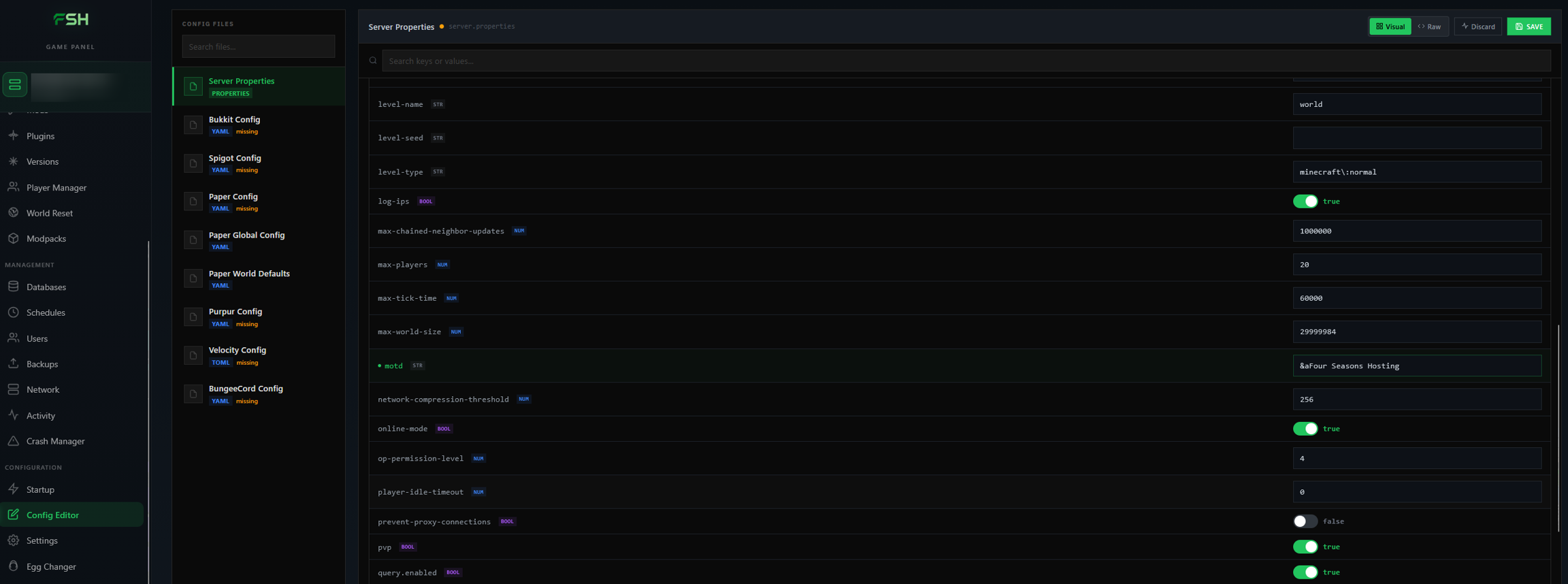
Restart your server.
You may use a site like MCTools to customize the text with different colors and styles.