Creating Your VPS
Written By Xylo01
Last updated 1 day ago
Here we will set up your new VPS together! On the new panel and go through some of the basics of the panel while setting up
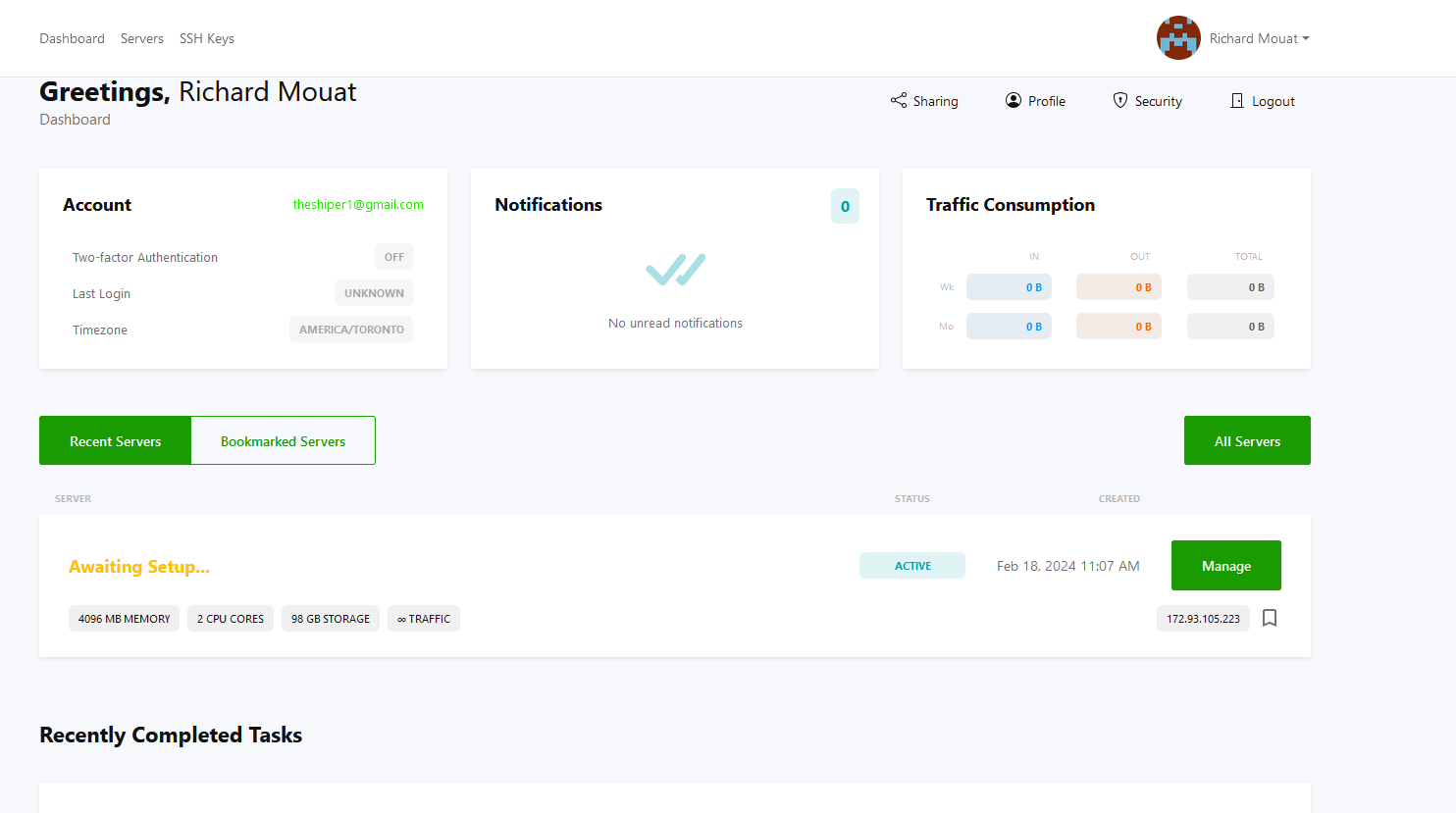
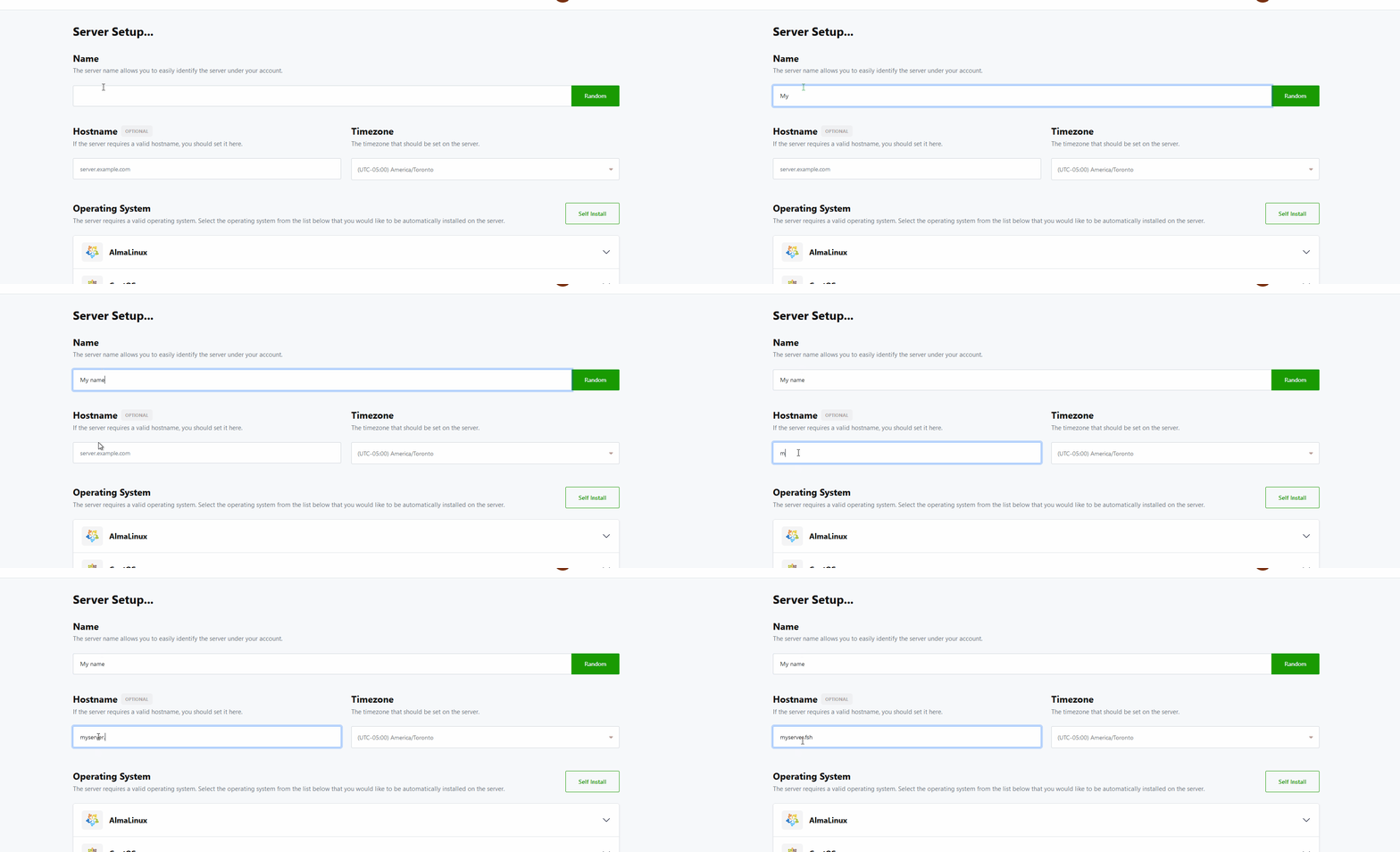
We recommend with any Linux install you use a SSH Key! it's not required but it's good practice for security of your server
Clicking on Advanced Options allows you to change your DNS (auto set to Google DNS) and Enable/Disable VNC, this can also be done afterwords on the Dashboard
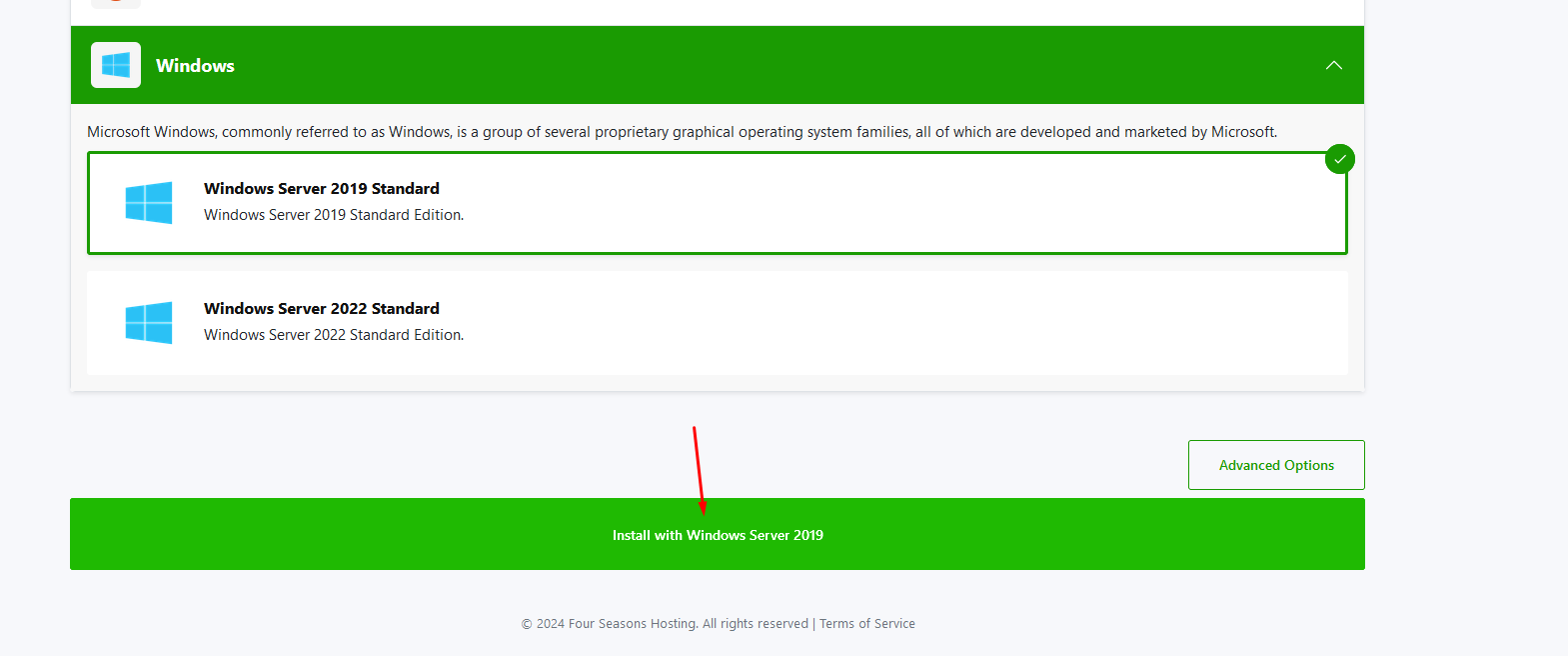
Some OS like Windows could take some time installing you may see a popup warning you of this, you can click "Install Now" and continue the install
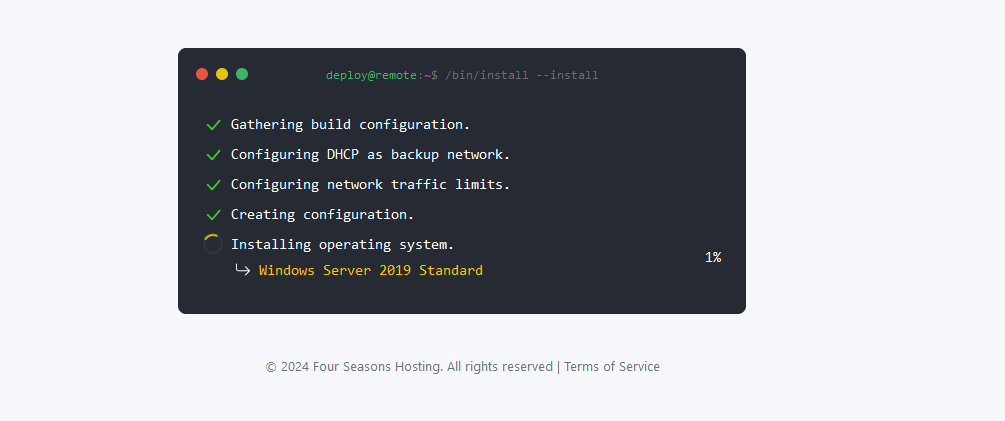
If deployer comes back with a failed task please open a ticket on our Discord or in the Client Portal

Great Job the OS is installed now