How to Cancel A Service
Written By Xylo01
Last updated 23 days ago
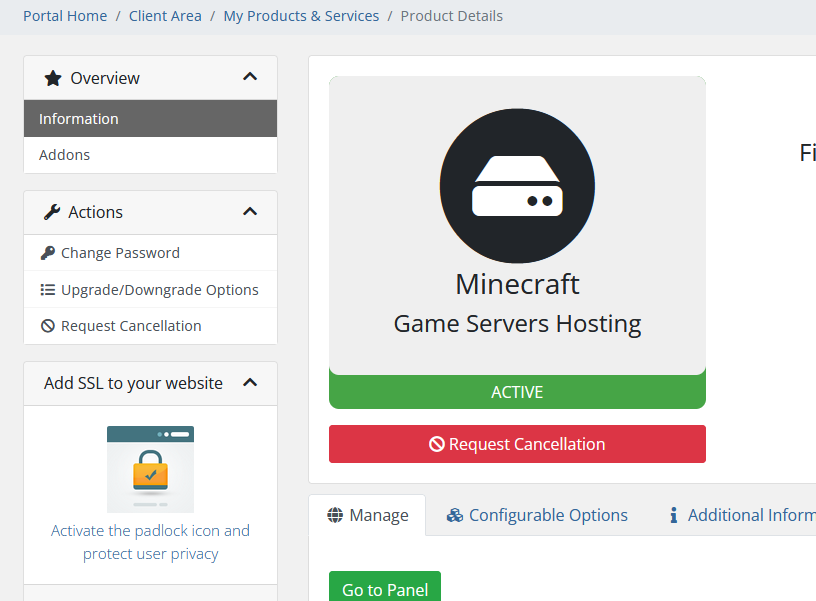
Immediate means it will Terminated at the next 8pm EST
When a service is canceled ALL SERVER DATA WILL BE DELETED AND UNRECOVERABLE
Written By Xylo01
Last updated 23 days ago
Immediate means it will Terminated at the next 8pm EST
When a service is canceled ALL SERVER DATA WILL BE DELETED AND UNRECOVERABLE