
- Login in to your client account on the Client Portal
- Click on “Services” > “My Services” at top bar on Navigation Bar
- You’ll see the list of services, click on Service that you want to cancel.
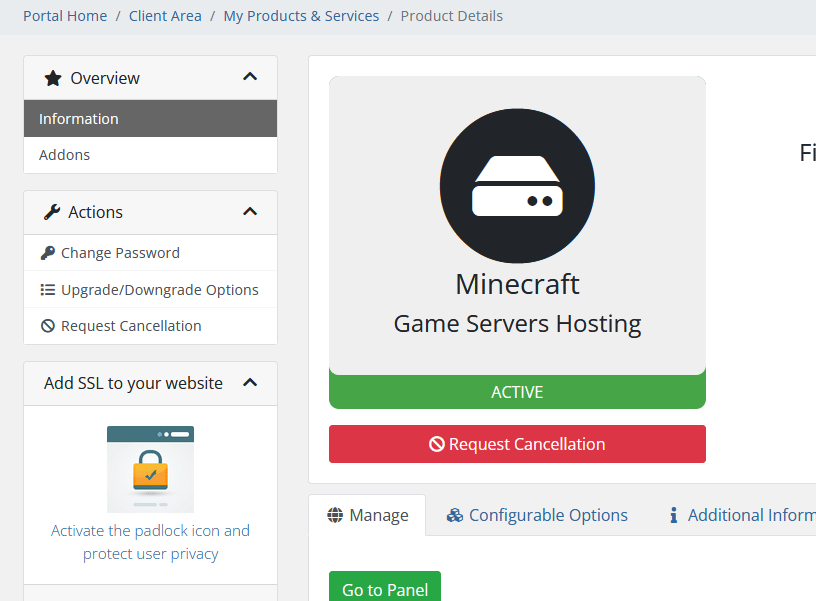
- Click on Request Cancellation and follow the prompts on the screen
When a service is canceled ALL SERVER DATA WILL BE DELETED AND UNRECOVERABLE